
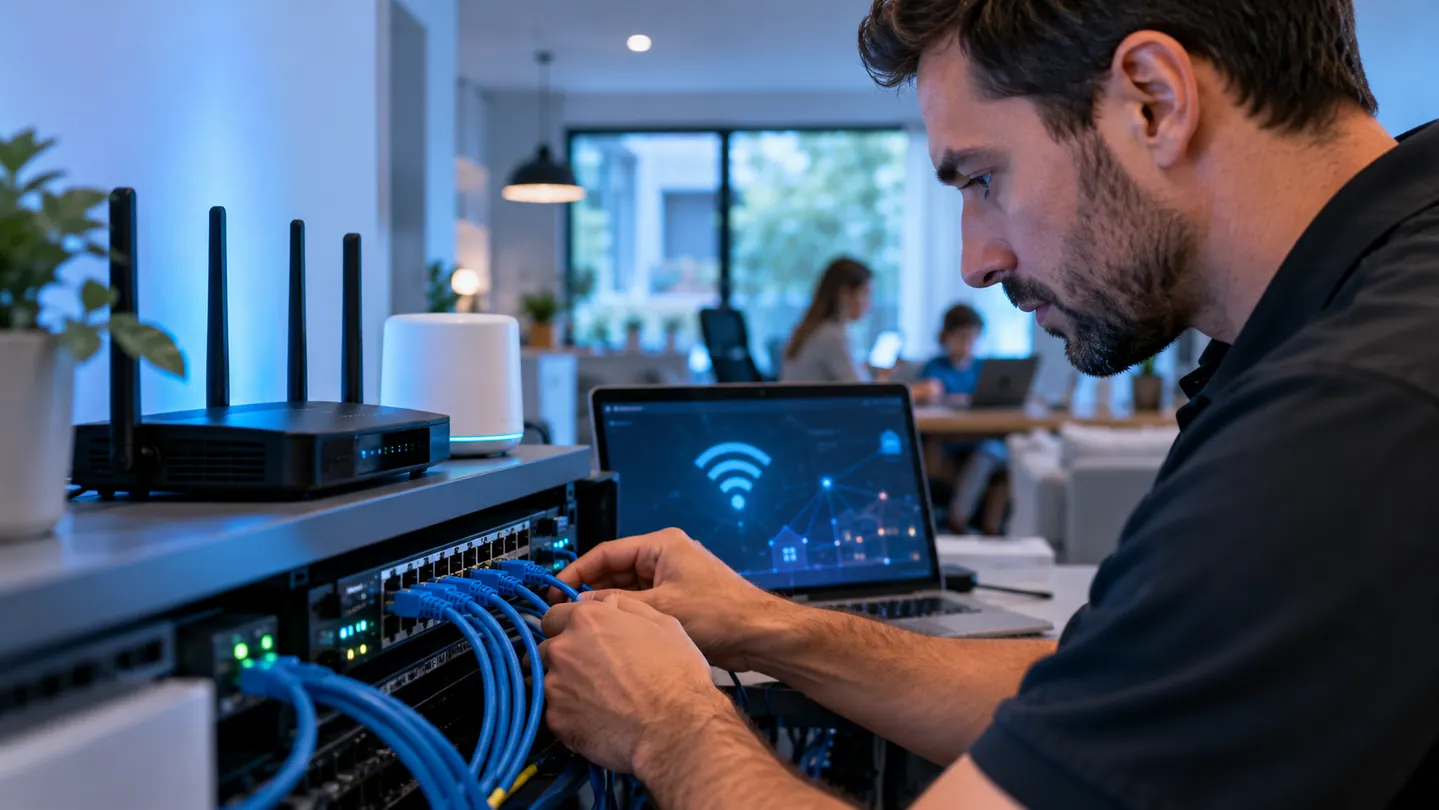
Internet and Wi-Fi troubleshooting in Houston
A dropped video call, a printer that disappears from the network, or a computer that connects to Wi-Fi but cannot reach the internet can have different causes. The Computer Hospital helps Houston homes and businesses isolate the problem and understand the next step before replacing equipment.
We check whether the symptoms affect one device, a particular room, or the whole network. That helps distinguish computer settings, wireless coverage, router configuration and possible internet-provider issues.
Network and connectivity services
- Wi-Fi coverage, weak signals and intermittent connections
- Router and network setup or configuration
- Computers that connect to Wi-Fi but cannot access the internet
- Wired Ethernet connection troubleshooting
- Network printers, shared folders and connected devices
- VPN setup and connection troubleshooting
- Business network and firewall support
For example, if a printer works from one computer but not another, we can investigate the device settings and network connection. If several devices lose internet access together, we can assess the shared equipment and help identify whether your internet provider needs to investigate.
Wi-Fi coverage and router setup
Slow or unreliable wireless service does not always mean you need a faster internet plan. Router placement, building layout, interference, equipment limitations and device settings can affect the connection. We assess your setup and explain practical configuration or equipment options for your space and budget.
If equipment changes are recommended, we discuss them before proceeding. Actual coverage and speed depend on the location, equipment, connected devices and internet service.
Business networks, VPNs and shared resources
We help troubleshoot access to shared folders, network printers and remote connections, along with router and SonicWall firewall issues. Tell us which users or computers are affected and whether the problem began after a password, equipment or configuration change.
For broader needs, our business IT support includes assistance with servers, Microsoft 365, backups, security and ongoing IT management. We discuss access requirements and proposed changes before work begins.
In-home, on-site or remote help
Problems involving wireless coverage, installed equipment or connections between devices are often best checked at your location. In-home and on-site service is available in Houston, including Spring, The Woodlands, Pearland, Pasadena, Clear Lake and surrounding areas, subject to staff confirmation.
On-site rates start at $100 per hour plus a trip charge. Contact us to confirm the applicable charges and availability for your location. Some configuration problems can be handled through remote support when a working internet connection is available and you authorize access. See our Internet Pricing page for other service options.
Before you contact us
- Does the problem affect one device or several?
- Does a wired connection work when Wi-Fi does not?
- Which rooms or locations have weak service?
- When did the problem begin, and what recently changed?
- What are the router, modem and affected device models?
- Has your internet provider reported an outage?
Have any relevant error messages or screenshots available. Do not factory-reset your router or firewall before speaking with us; a reset can erase settings needed for internet, business or VPN connections. Do not send passwords through the service-request form.
Common network and Wi-Fi questions
Can you fix a weak signal in part of my home or office?
We can assess coverage and discuss placement, configuration or equipment options. The right approach depends on the building and your existing network.
Can you help when Wi-Fi works but Ethernet does not?
Yes. We can investigate the computer settings, cable connections and network equipment to narrow down the cause.
Can you fix an internet-provider outage?
We can help distinguish local equipment problems from a possible provider issue. Your internet provider must restore faults within its own service or network.
Do I need to bring my router to the shop?
Call first. Coverage and installed-network problems often need testing at your location. We will help determine whether a shop visit, remote session or on-site visit is appropriate.
Get help with your connection
Call (713) 472-4357 or request network and Wi-Fi service. Describe the affected devices and symptoms so we can help choose the next step. Remote and on-site arrangements require staff confirmation.