
The Computer Hospital Knowledge Center
The Tech Checkup
Helpful guidance from Houston's computer repair and technology specialists. Learn what to check, when to stop troubleshooting, and when professional support can protect your equipment and data.
Explore Computer Repair ServicesBrowse by topic
Explore practical technology advice
Choose a topic to see relevant guides. Each article has one permanent URL, even when it appears under more than one service.
All guides 45
Computer Repair 24
Data Recovery 8
Laptop Repair 14
Virus & Malware 7
Ransomware Response 3
Cybersecurity 10
Business IT 17
Windows & Software 5
Networking & Wi-Fi 3
AI Solutions 5
Remote Support 4
On-Site Support 6
Shop & Depot Service 5
Web Services 4

Featured repair advice
Why Is My Computer Running So Slow?
A slow computer almost always has a degrading hard drive. How to tell, how we test it free, and why it is rarely a virus.
Read the guide →All articles
45 guides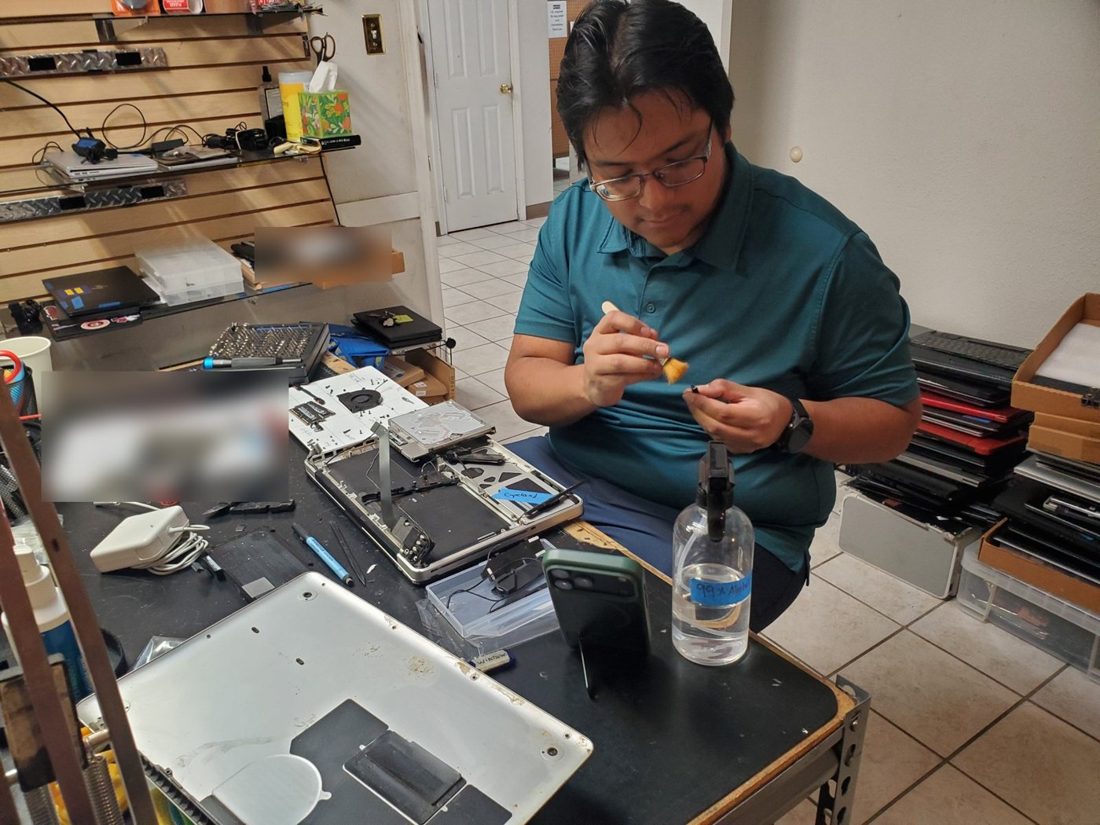 Laptop RepairLaptop Liquid Damage: First StepsWhat to do right after a spill, the mistakes that kill laptops, and how board-level repair saves most of them.Read article
 Computer RepairWhen CPU Repasting HelpsUnderstand the difference between a thermal paste issue, dust blockage and a failing cooling fan.Read article
 Business ITServer Failure Warning SignsHow to respond carefully to server hardware warnings without putting business data at unnecessary risk.Read article
 Computer RepairRefurbished Laptop or Desktop?Pick the right form factor for your space, budget and workload, and avoid overlooking the battery, monitor and upgrade costs.Read article Computer RepairRefurbished Computer Buying ChecklistUnderstand the difference between used and refurbished and ask the right questions before buying a laptop or desktop.Read article Computer RepairWhy Is My Computer Running So Slow?Most slow computers have a failing hard drive, not a virus. How to tell, how to protect your files, and how an SSD fixes it.Read article
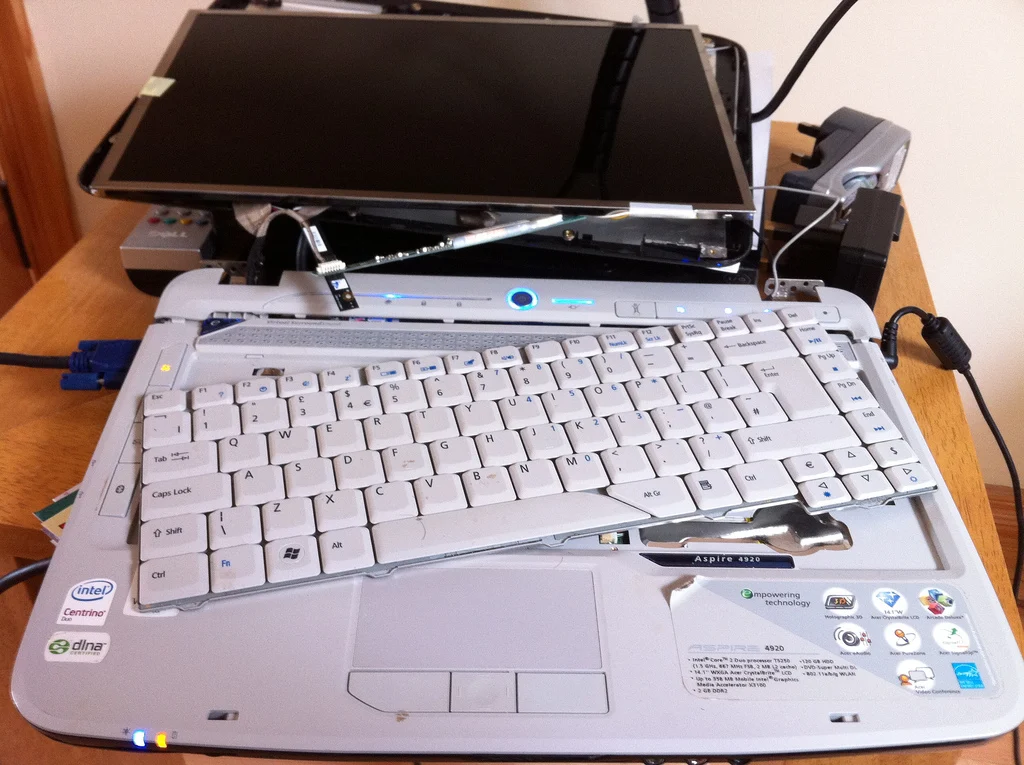 Computer RepairRepair or Replace Your Computer?Compare repair costs, computer age, operating-system support, and the real cost of transferring files and programs.Read article
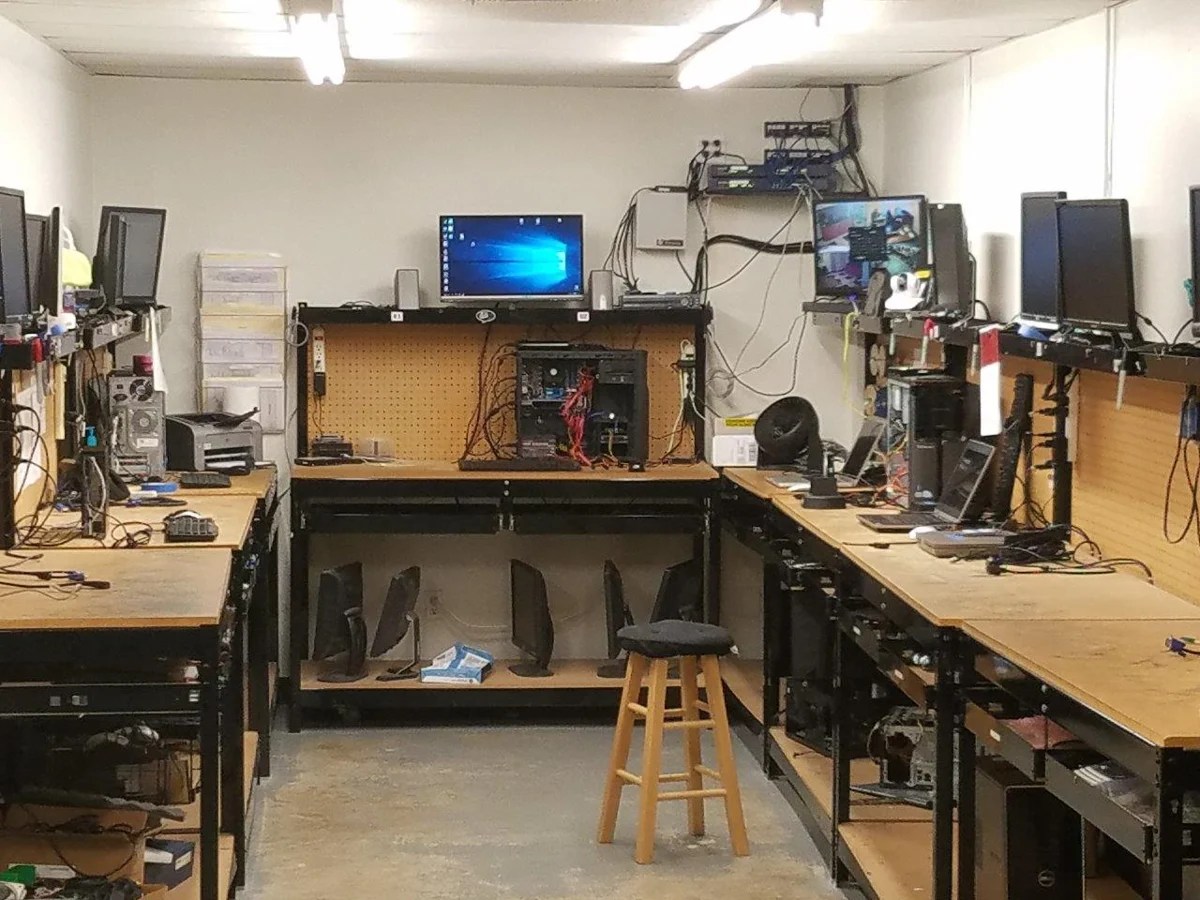 Computer RepairHard Drive Failure Warning SignsLearn the symptoms of HDD and SSD failure, when to stop using the computer, and how to protect irreplaceable data.Read article
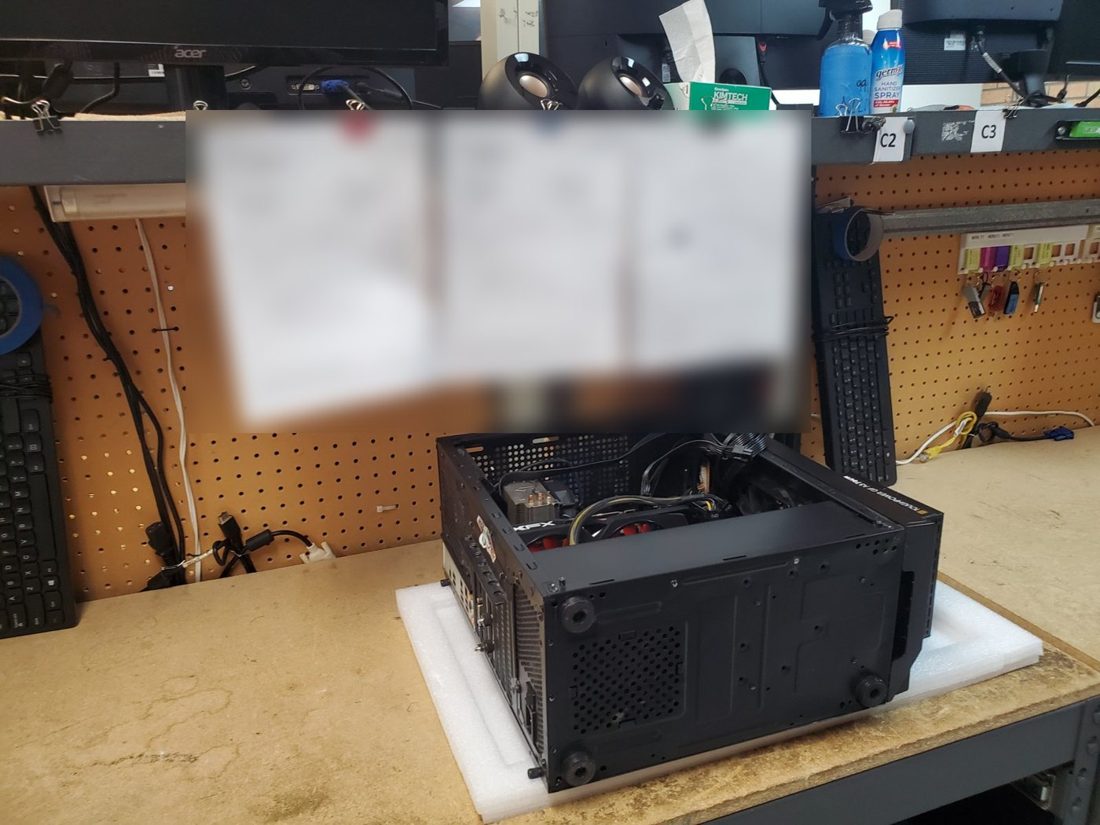 Computer RepairComputer Won’t Start?A step-by-step guide to identifying the symptom while avoiding actions that might put your files at risk.Read article
 Computer RepairComputer Freezing or Blue Screens?The clues to write down, simple checks to make, and situations where repeated restarts can worsen data loss.Read article Computer RepairComputer Overheating & Loud FansWhy a laptop or desktop may slow down as it heats up, and when a professional cleaning or cooling repair makes sense.Read article
 Data RecoveryExternal Drive Not Detected?Troubleshooting a missing external drive without risking the files you want to keep.Read article