
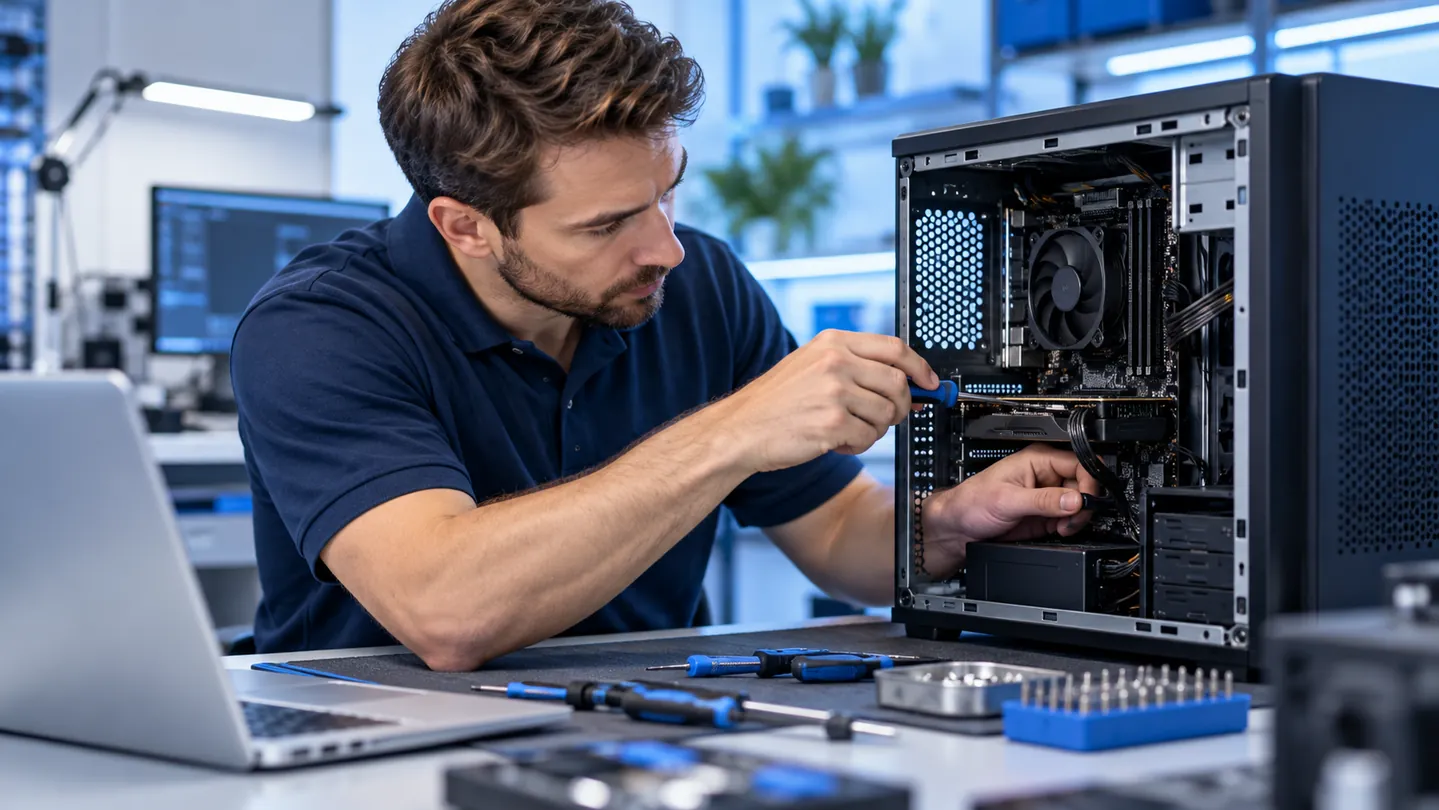
Windows install or upgrade
A clean start can be a practical way to resolve persistent Windows problems, damaged system files or the effects of a malware infection. In some cases, reinstalling Windows is more efficient than extended troubleshooting. We assess your computer and explain whether repair, reinstallation or an upgrade is appropriate.
$79 Windows reinstall — Internet Special
Mention the Internet Special at check-in for Windows reinstallation labor at $79. Software licenses, backup, data transfer, application installation, hardware, taxes and additional services are separate unless specifically included in your estimate. We explain the recommended work and obtain approval before proceeding.
Ready for a fresh start?
A Windows reinstall provides a fresh operating-system setup on your existing computer. It can help with software problems, but it does not repair failing hardware or guarantee that an older computer will perform like a new one. Turnaround depends on the condition of the computer and the work needed.
Protect your files before installation
A clean installation can remove files, programs and settings. Tell us which files you need and whether you have a current backup before work begins. If you need us to back up accessible files, we can discuss that service and its cost. Programs may need to be reinstalled, and you may need their installers, account access or license information.
New Windows installations
We can install Windows on a new or existing computer when the hardware and licensing requirements are met. We check compatibility and the required drivers so the installation is appropriate for your system. A valid Windows license is required; any license purchase is additional.
Windows upgrades
If you want a newer version of Windows, we assess whether your computer supports it and discuss your options. An upgrade may preserve compatible applications and files, but a backup is still important. Some systems require a clean installation or hardware changes, and an upgrade does not guarantee faster performance.
Windows repair and troubleshooting
We troubleshoot Windows errors, startup problems, damaged system files, driver and update issues, and configuration problems. We assess the symptoms and explain whether a targeted repair or a reinstall is the appropriate next step.
Software, email and Microsoft 365 help
Ask us about application installation and configuration, email and Microsoft 365 setup, or setting up a new computer and transferring accessible data. Tell us which programs and accounts you use so we can discuss the work, required licenses and any additional charges before proceeding.
Remote software assistance
Many software, email and configuration problems can be handled remotely when your computer has a working internet connection. Contact us first to determine whether remote assistance is appropriate. A technician connects with your permission; hardware problems and some startup or connection issues require shop or on-site service.
Before you bring your computer in
These details help us recommend the right approach:
- Are your important files backed up?
- What was happening when the problem started?
- Has the computer shown signs of malware or infection?
- How old is the computer?
- Is it used for business, personal tasks or both?
- Which programs do you need reinstalled?
- Do you have the necessary software licenses and any BitLocker recovery key?
Discuss your Windows options
Bring your computer to our Midtown shop or call (713) 472-4357. We can discuss Windows repair, reinstallation, upgrades and related software setup. In-shop visits do not require appointment confirmation.