
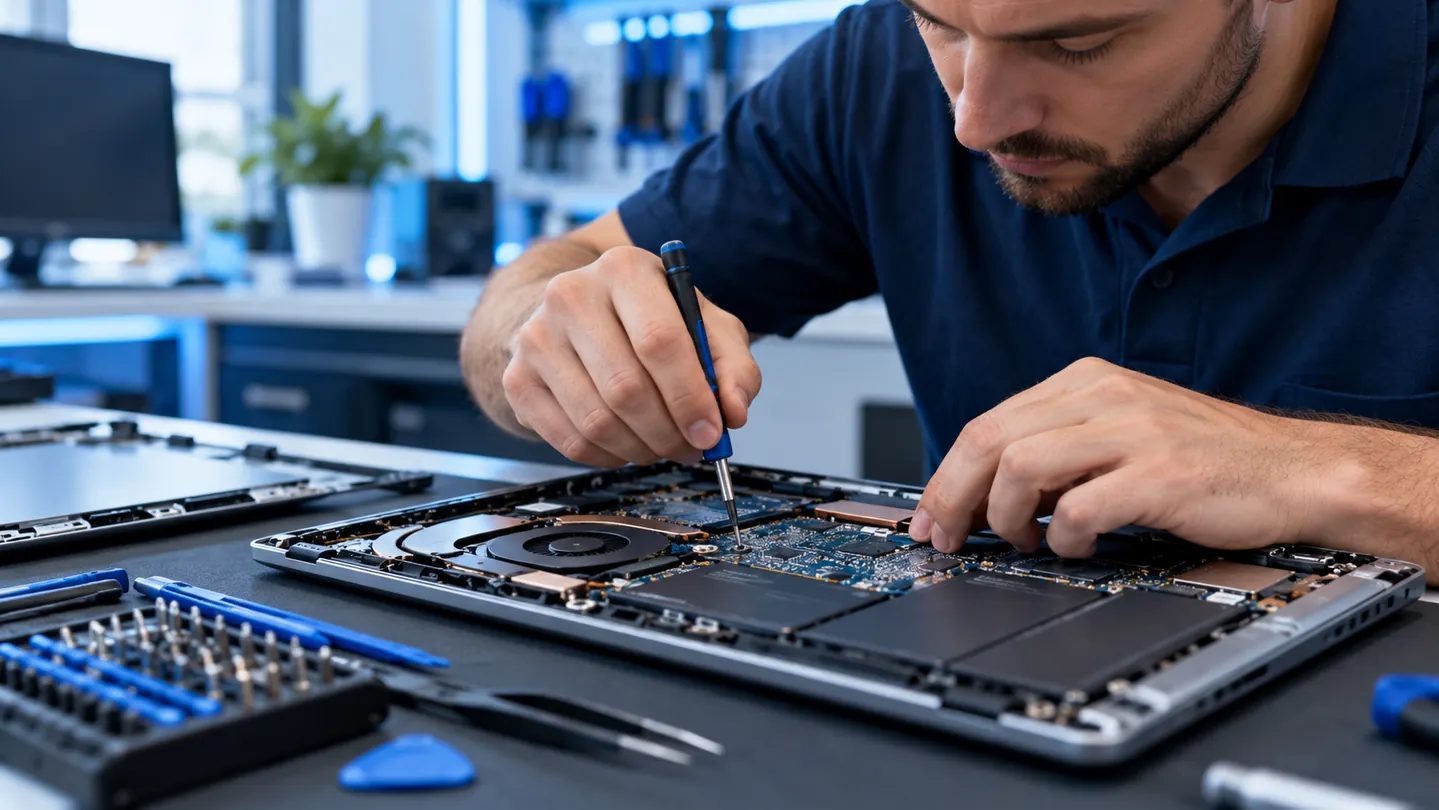
What to do immediately after a spill
Turn the laptop off immediately if it is safe to do so. Disconnect the charger and accessories. Do not plug it back in or try to turn it on just to see whether it works. If the battery can be safely removed without disassembly, disconnect it. Do not open an internal battery enclosure unless you have the appropriate training.
Avoid hair dryers, heat guns and rice. Liquid can move inside the case and leave conductive residue even when the surface appears dry.
- Shut down; stop using the laptop
- Unplug charger and peripherals
- Do not repeatedly power it on
- Arrange an evaluation as soon as practical
What we evaluate after liquid exposure
Damage can affect a keyboard, trackpad, charging port, display connection, motherboard or storage. The type of liquid and how long the machine remained powered influence the extent of damage. We assess what inspection and cleaning are appropriate before recommending repairs.
Liquid damage can be progressive: a computer that initially works may fail later due to residue and corrosion. We cannot guarantee recovery, but we can explain what is repairable and when replacement makes more sense.
Protecting documents and photos
Tell us if the laptop contains important files before any repair work. Depending on model, storage design and the type of damage, data recovery or transfer may be possible.
Common liquid spill questions
Should I try charging it after it dries? No. A dry-looking laptop may still have residue or corrosion inside.
Can I use a hair dryer? No. Heat and airflow can worsen the problem or damage components.
Will insurance or a warranty cover spills? Coverage depends on your policy and device terms; contact your provider.
Evaluation and repair options
Bring the equipment to The Computer Hospital at 3512 Travis Street, Houston, TX 77002. We can discuss an initial evaluation, model-specific requirements, parts availability and the estimate before any paid repair. Some issues require additional diagnostic work; charges are explained in advance.
Request service or call (713) 472-4357.