
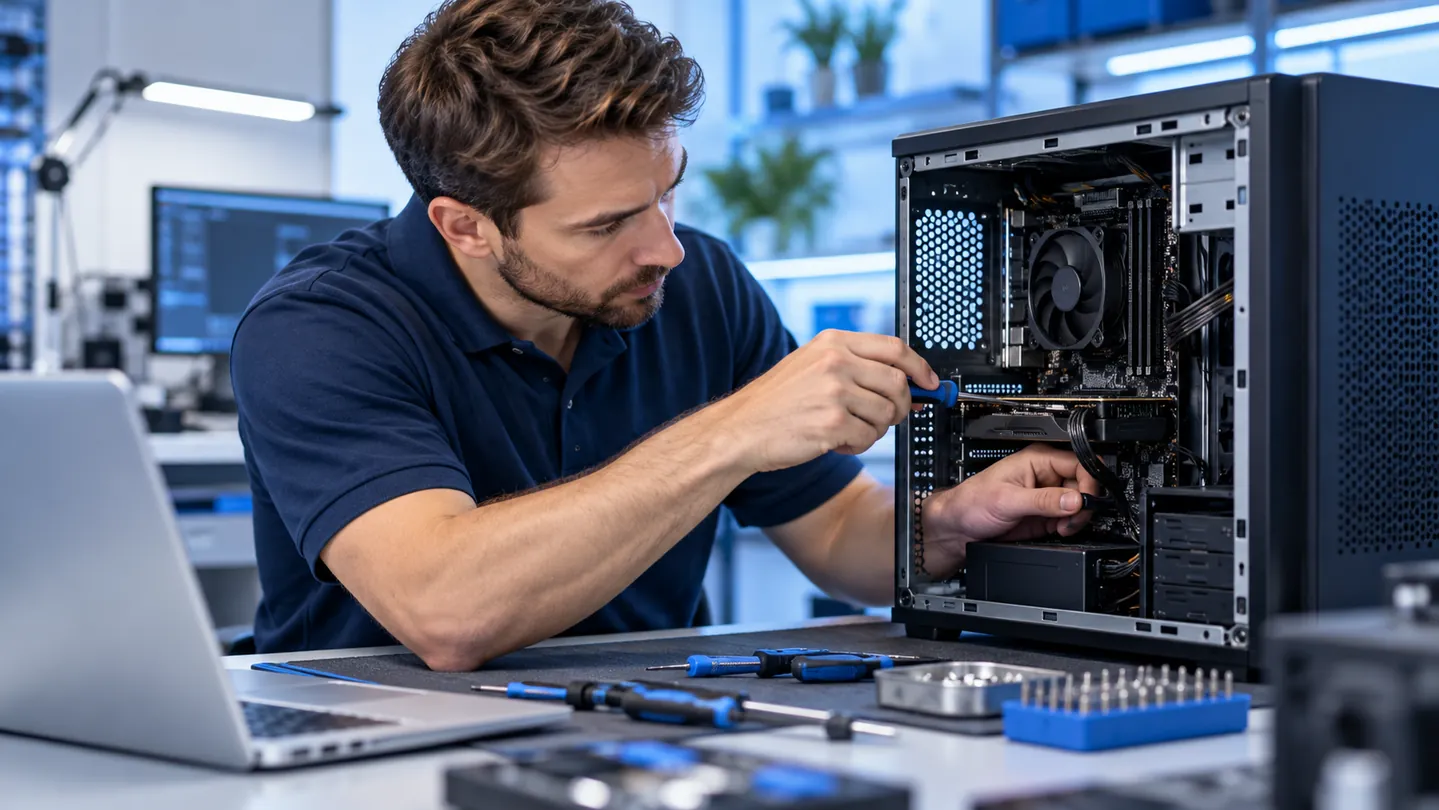
CPU repasting for laptops and desktops
Thermal paste transfers heat between the processor and heatsink. Over time, poor mounting, aging materials or improper application can reduce cooling performance. When repasting is appropriate, we inspect the cooler, clean mating surfaces and apply suitable new thermal interface material.
Repasting is not a universal fix. Dust-blocked vents, bad fans, inadequate airflow, heat-pipe failure, software loads or power issues can also cause heat problems. We diagnose before recommending work.
Signs of a cooling problem
- Sudden shutdowns or restarts under load
- Loud fans, rattling noises or fans that stop
- Unusually slow performance during games or demanding work
- High reported CPU temperatures or thermal throttling
- Dust buildup and blocked vents
Laptop versus desktop cooling service
Laptop cooling assemblies can require extensive disassembly. Some models use manufacturer-specific thermal materials that must be matched correctly. Desktops may have different tower or liquid cooling systems, retention hardware and airflow needs.
We can also discuss laptop repair or desktop repair if overheating occurs alongside other issues.
When to stop using an overheating computer
If the system repeatedly shuts down, smells hot, shows a battery swelling issue, or the fan stops completely, switch it off and arrange an evaluation. Do not continue heavy workloads solely to test the problem.
Evaluation and repair options
Bring the equipment to The Computer Hospital at 3512 Travis Street, Houston, TX 77002. We can discuss an initial evaluation, model-specific requirements, parts availability and the estimate before any paid repair. Some issues require additional diagnostic work; charges are explained in advance.
Request service or call (713) 472-4357.